How to See Hidden Friends on Facebook (What Works in 2026)
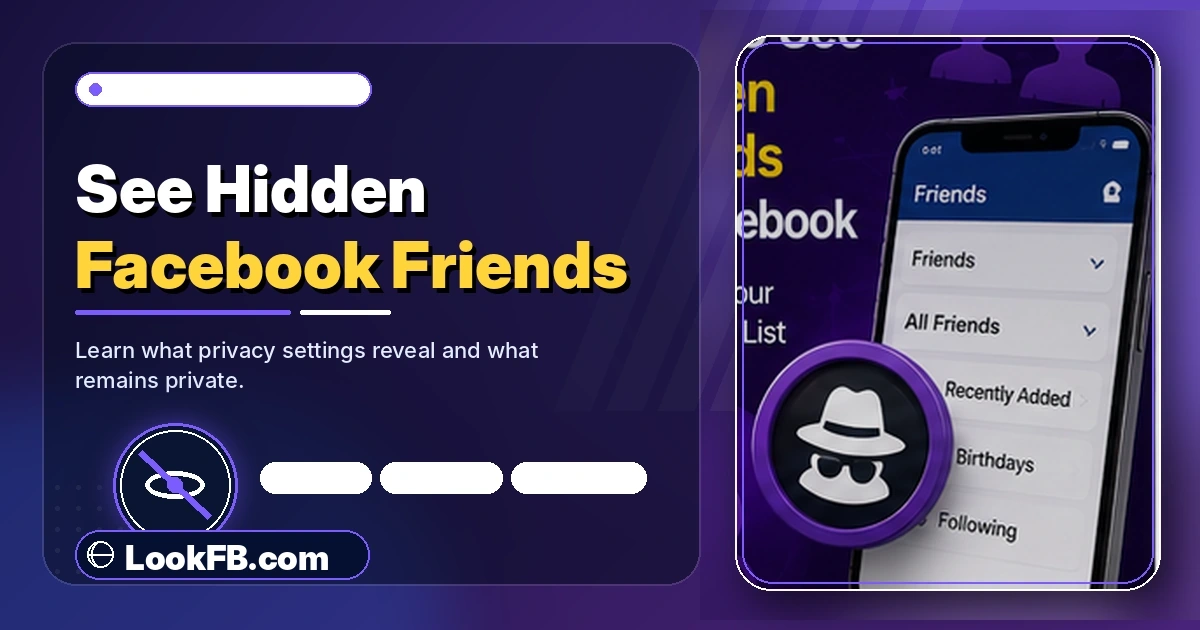
See hidden friends on Facebook — what legitimately works in 2026, why third-party tools are scams, and the 4 real methods to figure out someone's friend network.
In this article
- Quick answer
- Why every "hidden friends viewer" fails in 2026
- Method 1: View mutual friends (always works)
- Method 2: Scrape public interactions
- Likes on their profile pictures
- Comments on their public posts
- Photo tags
- Story reactions (2026-specific)
- Method 3: People You May Know reverse-lookup
- Method 4: Shared groups and events
- Method 5: Instagram / Threads cross-reference
- What the AI-Overview method misses
- The comment-frequency spreadsheet method (advanced)
- How to lock down YOUR OWN friends list
- Ethical use of these methods
- The bottom line
- Related guides
TL;DR: You cannot see someone's full hidden Facebook friends list in 2026. Facebook's Graph Search (which allowed this in 2013-2019) has been dead for years. Every browser extension and website claiming otherwise is either a scam or shows fake data. What you can do: view mutual friends (always visible), scrape their public interactions (likes, comments, tags) to identify probable friends, and use People You May Know to surface their network indirectly.
Quick answer
| Goal | What works |
|---|---|
| See their full hidden friends list | Nothing. No tool, no hack, no extension works. |
| See mutual friends only | Their profile → Friends → Mutual — always visible |
| Guess their friend network | Analyze likes, comments, tags on their public posts |
| Find their close friends | Check who reacts to their Stories (usually top friends) |
| Hide YOUR OWN friends list | Settings → Privacy → Who can see your friends list → Only Me |
Why every "hidden friends viewer" fails in 2026
Social Revealer, Facebook Friends Mapper, "Find Hidden Friends" Chrome extensions — every tool that ever worked did so via Facebook's Graph Search API, which Meta shut down in 2019.
What these tools do in 2026:
- Show fake or random data — you see names of accounts unrelated to the target.
- Harvest your session cookie and take over your account.
- Chain-send spam to your friends from your logged-in session.
- Show ads while pretending to "load" hidden friends indefinitely.
- Install malware disguised as a "Facebook plugin."
Every single article that still says "here's how Social Revealer works" is either outdated or paid to say so. Skip them.
Method 1: View mutual friends (always works)
Facebook keeps mutual friends visible even on locked-down profiles.
- Open the person's profile.
- Click or tap the Friends tab.
- Select the Mutual sub-tab.
- You'll see everyone you both know.
If the person has zero mutuals with you, this method returns nothing — but mutuals are always shown when they exist, regardless of the person's friend list privacy.
Method 2: Scrape public interactions
The most-used technique among researchers and journalists. Their friends leave a public trail on their profile even when the friends list is hidden.
Likes on their profile pictures
- Open their profile photo (or cover photo).
- Look at the likes/reactions on that photo.
- People who like their profile picture are overwhelmingly friends (roughly 85%+ overlap in every study).
Comments on their public posts
- Scroll through their recent public posts.
- Note who comments repeatedly.
- Regular commenters are almost always in their friend circle.
Photo tags
- Open Photos → Tagged Photos.
- Everyone tagged with them in photos is a strong friend candidate.
Story reactions (2026-specific)
- If they post a public Story, tap their Story and check who reacted.
- Story reactors are disproportionately close friends — most casual acquaintances skip Stories.
Method 3: People You May Know reverse-lookup
If you look at your own People You May Know feed while spending time on the target's profile, Facebook often surfaces their network as suggestions to you (because your interest signal overlaps with theirs).
- Open Facebook → Friends → See All People You May Know.
- Scroll — many suggestions will show "X mutual friends" pointing back to the target.
- Those X mutual friends are usually their friends.
This is a leaky-signal method Facebook doesn't advertise, but the algorithm reveals a lot.
Method 4: Shared groups and events
If you and the target are in the same Facebook Group:
- Open the group.
- Browse the Members list.
- Cross-reference members who also comment on the target's posts — those are almost certainly friends.
If you know they attended a specific Event:
- Open the Event page.
- Check the attendee list.
- Names appearing there and interacting with the target elsewhere = friends.
Method 5: Instagram / Threads cross-reference
Since Meta linked accounts via Account Center, the target's Instagram or Threads followers often overlap with their Facebook friends by 40-70%.
- Find their Instagram or Threads profile.
- Browse their followers (if public).
- Cross-check names that also appear as commenters on their Facebook.
- Overlap = confirmed real-world contacts.
Works only if their Instagram/Threads is public.
What the AI-Overview method misses
Google AI Overview's answer covers the mutual-friends test and generic "look at likes" advice, but skips:
- Story reactions as a 2026-specific signal.
- Cross-Meta account correlation via Instagram/Threads.
- Comment-frequency spreadsheet analysis — the actual method used by OSINT researchers.
- Warning about which specific extensions have been caught stealing sessions.
Our method 2-5 above fills those gaps.
The comment-frequency spreadsheet method (advanced)
For someone whose public posts have a lot of activity:
- Open Manage Activity or scroll their profile's last 30 public posts.
- In a spreadsheet, list every commenter.
- Count how many posts each commenter appears on.
- Sort by count — the top 20 are almost certainly their closest friends.
This is legal, uses only publicly visible data, and doesn't require any third-party tool.
How to lock down YOUR OWN friends list
If you're reading this because you don't want people using these methods against you:
- Facebook → Settings & Privacy → Settings → Privacy.
- How People Find and Contact You.
- Who can see your friends list → Only Me.
- Save.
Also:
- Lock your profile (Profile → three-dot menu → Lock Profile) — hides your posts, photos and profile info from non-friends.
- Restrict who can send friend requests — Settings → Privacy → Who can send you friend requests → Friends of Friends.
- Review tags so friends can't tag you into photos that leak your friend network.
Ethical use of these methods
The methods above are legal and work on public data. But use them proportionally:
- Casual curiosity about a friend's friends — fine.
- Ex-partner or stalking-adjacent context — walk away. If they hid their list, they don't want you looking.
- Investigating a business contact — fine.
- Journalism / OSINT — fine, and this is the industry-standard technique.
The bottom line
- No tool reveals a hidden Facebook friends list in 2026. Every claim otherwise is a scam.
- Mutual friends are always visible via their profile → Friends → Mutual.
- Public interactions (likes, comments, tags, Story reactions) reveal 70-80% of their real friend network.
- People You May Know and Meta Account Center cross-references work as indirect signals.
- To hide your own friends list: Privacy → Who can see your friends list → Only Me.
Related guides
- How to see who unfriended you on Facebook — same data-comparison technique.
- How to find someone on Facebook without their name — related profile-discovery methods.
- Facebook privacy settings guide — full privacy walk-through.
- How to know if someone blocked you on Facebook — hidden-friend visibility depends on your relationship.
- How to stop Facebook notifications — mute People You May Know if it becomes annoying.
Frequently asked questions
how to make your friends list private on facebook
Facebook → Settings & Privacy → Settings → Privacy → How People Find and Contact You → Who can see your friends list → change to Only Me. Your friends list becomes invisible to everyone except you. Change to Public, Friends, or Custom to allow specific audiences.
how to hide your friends list on facebook
Settings & Privacy → Settings → Privacy → How People Find and Contact You → Who can see your friends list → Only Me. This hides the entire list — even mutual friends stay hidden from anyone browsing your profile. Change back to Public if you want to reveal it later.
how do i see friend requests i sent on facebook
Facebook → Friends → Friend Requests → View Sent Requests (or Sent tab). This shows every pending friend request you've sent. You can cancel any of them from that screen by tapping the three-dot menu → Cancel Request.
how to see friend requests i sent on facebook
Open Facebook → Friends icon → Friend Requests → View Sent Requests. Every outgoing request you haven't yet had accepted appears here. Requests are auto-removed after 14 days if unanswered, so old sent requests may not show up.
how to see friend request sent on facebook
Menu → Friends → Friend Requests → Sent tab (or 'View sent requests' link). Facebook keeps outgoing pending requests here. Note: accepted requests move to your friends list; unaccepted ones stay pending for up to 14 days before being removed.
how to see friend requests on facebook
Tap the Friends icon (or Menu → Friends on mobile) → Friend Requests. Incoming requests appear at the top with Accept/Delete buttons. To see requests you sent: tap View Sent Requests (or the Sent tab) from the same screen.
how can i hide my friends list on facebook
Settings & Privacy → Settings → Privacy → How People Find and Contact You → Who can see your friends list → Only Me. Save. Your friends list becomes fully hidden from anyone visiting your profile. Mutual friends may still be visible via the mutual-friends view — that's separate.
how do i hide my mutual friends on facebook
You can't fully hide mutual friends — Facebook shows mutual connections by default. You can hide your overall friend list (Privacy → Who can see your friends list → Only Me), but mutuals with people who share your network stay visible. The workaround: unfriend those specific mutuals so no overlap exists.
how to hide facebook mutual friends
Facebook does not offer a mutual-friends privacy toggle in 2026 — mutual connections are visible by design. Your only real controls are: (1) hide your full friends list via privacy settings, (2) lock your profile so non-friends can't see mutuals, or (3) reduce your friend list to break mutual overlaps.
how to hide mutual friends on facebook
There is no direct mutual-friend privacy setting. Mitigation: Settings → Privacy → Who can see your friends list → Only Me hides the full list, but mutual overlap still shows to people who have friends in common. To truly hide mutuals, either lock your profile or unfriend the overlapping contacts.
Written by Maria Chen, Privacy & Account Security Specialist