How to Lock Facebook Profile (2026 Guide + US/UK Alternative)
Lock your Facebook profile in 2026 — full step-by-step for supported countries, plus the manual lockdown for US, UK and EU where Profile Lock isn't offered.
In this article
- Quick answer
- What Profile Lock actually does
- How to lock your Facebook profile (supported regions)
- Method 1: from your profile
- Method 2: via Settings
- Why "Lock Profile" is missing from your menu
- The manual lockdown equivalent (for US, UK, EU users)
- 1. Restrict future posts to Friends only
- 2. Limit past public posts
- 3. Hide your friends list
- 4. Hide your phone/email lookup
- 5. Disable search engine indexing
- 6. Restrict profile visibility
- 7. Enable tag review
- 8. Restrict profile detail visibility
- 9. Restrict Stories
- 10. Restrict friend requests
- 11. Verify with "View As"
- How to unlock your Facebook profile (supported regions)
- Common Profile Lock problems
- Profile Lock vs Manual Lockdown — side-by-side
- When you shouldn't lock your profile
- The bottom line
- Related guides
TL;DR: To lock your Facebook profile in 2026, go to your profile → three-dot menu → Lock Profile. The catch: this feature is not available in the US, UK, EU, Canada, or Australia — Meta only launched it in India, Bangladesh, Pakistan, Sri Lanka, Nepal and a few other markets. If Lock Profile isn't in your menu, the manual lockdown equivalent below achieves the same protection using standard privacy settings.
Quick answer
| Where you are | Method |
|---|---|
| India / Bangladesh / Pakistan / Sri Lanka / Nepal | Profile → three-dot menu → Lock Profile |
| US / UK / EU / Canada / Australia | Manual lockdown — see full section below |
| Everywhere | Also: hide friends list, tag review, disable search-engine linking |
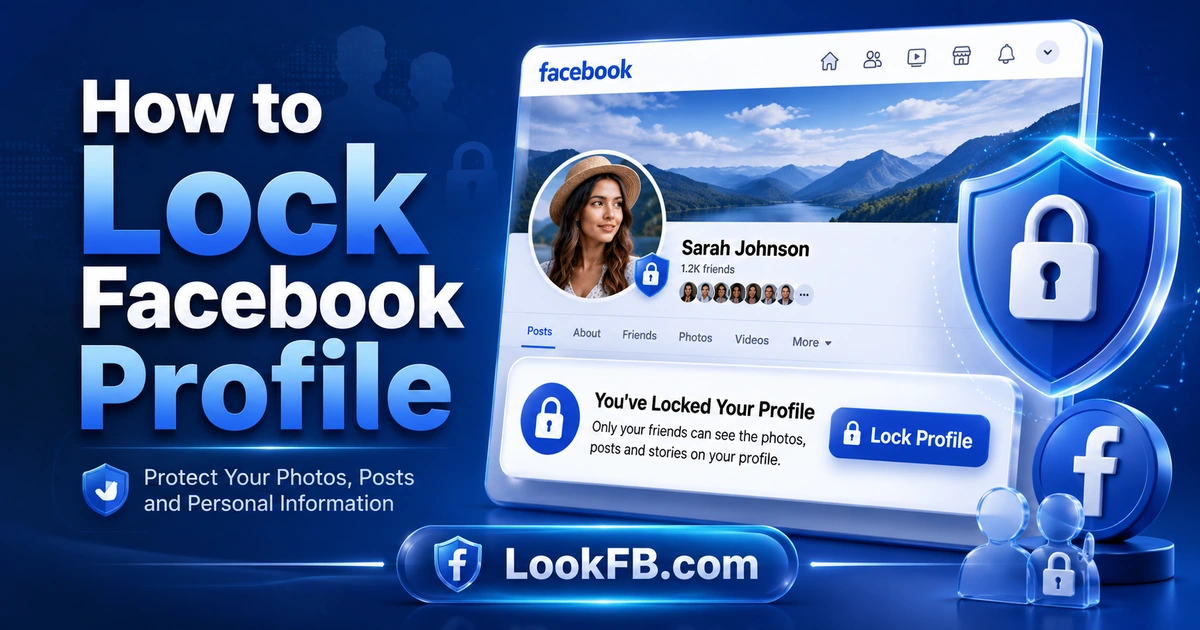
What Profile Lock actually does
For non-friends:
- Profile picture and cover photo become thumbnail size only.
- Cannot see any posts on your timeline.
- Cannot see Stories.
- Cannot see your friends list.
- Cannot see any About info (except name and possibly profile picture).
- Cannot share your profile.
- Cannot zoom into or download your profile picture.
For friends:
- Everything continues to work normally.
- No visible indicator that your profile is locked.
How to lock your Facebook profile (supported regions)
If Profile Lock is available in your country:
Method 1: from your profile
- Open the Facebook app or website.
- Navigate to your main profile by tapping your profile picture.
- Tap the three horizontal dots (⋯) next to the Add to Story button.
- Select Lock Profile from the dropdown.
- Review the on-screen privacy explanation.
- Tap Lock Your Profile.
- Tap OK to confirm.
Effect is instant. You'll see a small padlock icon next to your name.
Method 2: via Settings
- Open Menu (three lines or your profile icon).
- Tap Settings & Privacy → Settings.
- Scroll to Audience and Visibility.
- Tap Profile Locking.
- Confirm.
Same effect as Method 1.
Why "Lock Profile" is missing from your menu
Reason 1: Regional restriction
Meta rolled out Profile Lock to specific markets starting in 2020. Current supported countries (verified July 2026):
- India
- Bangladesh
- Pakistan
- Sri Lanka
- Nepal
- Vietnam
- Myanmar
- (Selected other South and Southeast Asian markets)
Not supported:
- United States
- United Kingdom
- European Union countries
- Canada
- Australia / New Zealand
- Most of Africa and South America
There's no way to trigger Profile Lock in an unsupported country — VPN doesn't help long-term because Meta re-checks region on repeated logins.
Reason 2: Professional Mode is on
Profile Lock is incompatible with creator/business features. Turn off Professional Mode first:
- Menu → Professional Mode → Turn Off Professional Mode.
Reason 3: You're viewing a business page context
Profile Lock is only for personal profiles. Switch to your personal profile.
Reason 4: Old app version
Update Facebook via App Store / Play Store.
The manual lockdown equivalent (for US, UK, EU users)
Every setting below combines to produce the same protection as Profile Lock. Complete all steps.
1. Restrict future posts to Friends only
- Settings & Privacy → Settings → Audience and Visibility → Posts.
- Who can see your future posts → change to Friends.
- Save.
2. Limit past public posts
- Same Posts page → Limit who can see past posts → Limit Past Posts.
- Confirm.
This retroactively changes every Public post to Friends-only. Irreversible without editing each post individually.
3. Hide your friends list
- Privacy → How People Find and Contact You → Who can see your friends list → Only Me.
4. Hide your phone/email lookup
- Same menu → Who can look you up using the email address you provided → Only Me.
- Who can look you up using the phone number you provided → Only Me.
5. Disable search engine indexing
- How People Find and Contact You → Do you want search engines outside of Facebook to link to your profile? → Toggle OFF.
Note: Google may take weeks to remove existing cached indexed pages.
6. Restrict profile visibility
- Privacy → Profile and Tagging → Who can post on your profile → Only Me.
- Who can see what others post on your profile → Only Me or Friends.
7. Enable tag review
- Same menu → Review posts you're tagged in before the post appears on your profile → ON.
- Review what other people see on your timeline → ON.
8. Restrict profile detail visibility
- Profile → About → Basic Info → tap each field (birthday, hometown, work, education, relationship).
- Set each to Only Me or Friends.
9. Restrict Stories
- Settings → Stories → Story audience → Friends (not Public).
10. Restrict friend requests
- Privacy → How People Find and Contact You → Who can send you friend requests → Friends of Friends.
11. Verify with "View As"
- Go to your profile → three-dot menu → View As.
- See exactly what a stranger sees. If any personal info is still visible, go back and lock it down.
Result: non-friends see essentially the same restricted view as a Profile Lock user.
How to unlock your Facebook profile (supported regions)
If you locked it and want it back to normal:
- Open your profile.
- Tap the three-dot menu (⋯) or padlock icon.
- Tap Unlock Profile.
- Confirm.
Effect is instant.
Common Profile Lock problems
"Lock Profile" appears but tapping does nothing Update the Facebook app. Older versions had a rendering bug.
Locked profile but non-friends can still see my posts Old posts may retain their original audience. Also run Limit Past Posts from Privacy settings.
Friends complain they can't see my profile properly They may not be confirmed friends anymore (silent unfriend). Check with our how to see who unfriended you guide.
Profile Lock disappeared from my menu after being there Meta occasionally rolls features back for testing. Update the app or wait.
Lock Profile is on but photos still show in Google Search Google's cache takes weeks to purge. Submit a removal request via Google Search Console.
Profile Lock vs Manual Lockdown — side-by-side
| Feature | Profile Lock (supported regions) | Manual Lockdown (US/UK/EU) |
|---|---|---|
| One-tap enable | Yes | No — 11 steps |
| Padlock icon visible | Yes | No |
| Full-size photo restriction | Yes | No (requires per-photo audience) |
| Profile picture zoom lock | Yes | Yes (via Only Me settings) |
| Post visibility restriction | Yes | Yes |
| Friends list hidden | Yes | Yes |
| Story restriction | Yes | Yes |
| Cover photo restriction | Yes | No native way |
| Reversible | Yes, one tap | Yes, but requires re-doing each setting |
| Effect on Marketplace | Reduced buyer confidence | Reduced buyer confidence |
| Effect on Facebook Dating | Removes you from Dating | Removes you from Dating |
When you shouldn't lock your profile
- You're selling on Marketplace — buyers can't verify you're real, fewer messages.
- You're on Facebook Dating — locked profiles are removed from matching.
- You're building a Facebook Page audience — public reach is your goal.
- You're a creator or influencer — Professional Mode is incompatible with Profile Lock anyway.
The bottom line
- Profile → three-dot menu → Lock Profile — one-tap protection in supported regions.
- Not available in US, UK, EU — use the 11-step manual lockdown as an equivalent.
- View As lets you verify what non-friends actually see.
- Profile Lock is incompatible with Professional Mode, Business Pages, and Facebook Dating.
- Meta may expand Profile Lock to more regions — check your Settings menu monthly.
Related guides
- How to make Facebook private — full walkthrough of the manual method.
- How to know if someone blocked you on Facebook — because locked profiles look similar to blocked ones.
- How to see who unfriended you on Facebook — locking often prompts drop-offs.
- How to change facebook password — password + 2FA + Profile Lock = maximum security.
- How to stop Facebook notifications — locked profiles get fewer alerts anyway.
Frequently asked questions
how do i locked my profile on facebook
Open your profile → tap the three-dot menu (⋯) next to Add to Story → tap Lock Profile → review the privacy details → tap Lock Your Profile → tap OK. Only your confirmed friends can now see your full-size photos, timeline posts, and Stories. Non-friends see a limited preview only.
how to lock profile in facebook in iphone
Facebook app on iPhone: tap your profile picture → open your profile → tap the three-dot menu (⋯) → tap Lock Profile → tap Lock Your Profile → confirm. Not seeing the Lock Profile option? Turn off Professional Mode first, or check if your country supports the feature.
why can't i lock my facebook profile
Three main reasons: (1) Profile Lock isn't available in your country (US, UK, EU, Australia are not supported as of 2026), (2) you have Professional Mode turned on for the profile, or (3) you're viewing from a business page context. Use the manual lockdown method as an equivalent.
can you lock your facebook profile in the us
No. As of 2026, Meta has not launched Profile Lock in the United States, United Kingdom, EU, Canada, or Australia. It's available in India, Bangladesh, Pakistan, Sri Lanka, Nepal, and a few other markets. US users must configure privacy settings manually to achieve equivalent protection.
can i lock my facebook profile in usa
Not directly. The one-click Profile Lock feature is not available in the US. However, you can replicate the same protection by setting your future posts to Friends only, hiding your friends list, limiting past posts, restricting profile visibility, and turning on tag review. Full walkthrough below.
how to make your account private on facebook
Settings & Privacy → Settings → Privacy → Your Activity → Who can see your future posts → Friends. Turn on Profile Lock if available in your country. Restrict friend list visibility (Only me), turn off search-engine indexing, and enable tag review. Full step-by-step in our make-private guide.
how to make your profile private on facebook
Open Settings → Audience and Visibility → set future posts to Friends → Limit Past Posts → hide friends list → disable phone/email lookup → disable search engine linking → enable tag review. This is the manual equivalent of Profile Lock in countries where Lock isn't offered.
how do i make my facebook account private
Facebook → Settings → Privacy → Your Activity → Who can see your future posts → change to Friends. Then Limit Past Posts to make old public posts Friends-only. Also: hide your friends list, disable Google indexing, and turn on tag review. Consider Profile Lock if it's available in your region.
how can i make my facebook profile private
Two paths: (1) tap Profile Lock if you're in a supported country, or (2) manually configure each privacy setting — Posts to Friends, Limit Past Posts, hide friends list, disable public lookup, turn off search-engine visibility. The manual method gives the same protection where Lock isn't available.
how do you make your friends list private on facebook
Settings & Privacy → Settings → Privacy → How People Find and Contact You → Who can see your friends list → change to Only Me. Save. Your friends list becomes invisible to everyone visiting your profile. Mutual friends may still be visible via the mutual view — that's a separate feature.
Written by Maria Chen, Privacy & Account Security Specialist