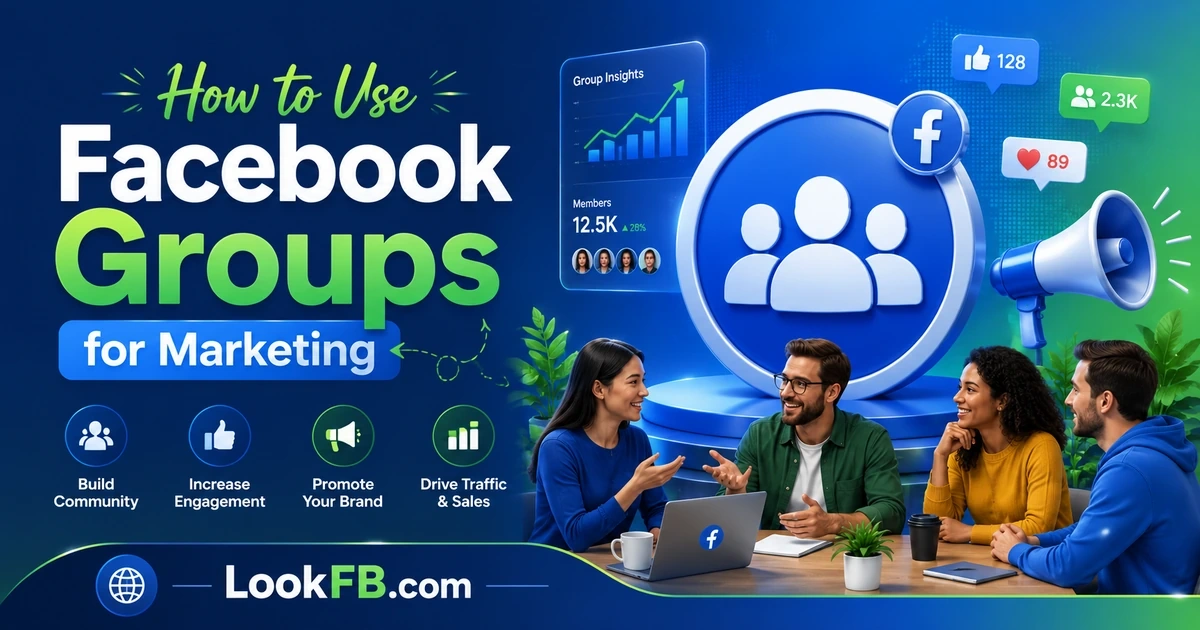
How to Use Facebook Groups for Marketing (2026 Playbook)
How to use Facebook Groups for marketing in 2026 — build a group, drive engagement, sell without spam, and turn members into customers. Full playbook.
In this article
- Why Groups beat Pages in 2026
- The wrong way and the right way
- Step 1: Pick the right topic
- Step 2: Create the Group (with the right settings)
- Step 3: The first 100 members are personal
- Step 4: Content that actually works
- Step 5: Moderation is marketing
- Step 6: Monetize without breaking trust
- Step 7: Measure the right things
- Facebook Group vs Facebook Page — which do you need?
- Common Group marketing mistakes
- Facebook Group ads
- The bottom line
Facebook Pages die a little more each year — organic reach on a business Page in 2026 hovers around 1-2% of followers. Facebook Groups, by contrast, push posts straight into members' Feeds and drive real engagement. Every serious social marketer has moved effort into Groups. Here's the full playbook.
Why Groups beat Pages in 2026
| Metric | Page | Group |
|---|---|---|
| Organic reach | 1-3% | 40-90% |
| Notification opt-in | Off by default | On by default |
| Comment engagement | Low | 5-10x higher |
| Feed placement | Deprioritized | Prioritized |
| Search discoverability | Weak | Strong (topic-based) |
| Owner controls | Full | Full (as admin) |
The reason: Facebook's algorithm treats community content (Groups) as more valuable than broadcast content (Pages) because it drives more time-on-platform.
The wrong way and the right way
Wrong way (why 90% of business Groups die):
- Group is "[Business Name] Community".
- Every post is "check out our new product."
- Members sign up expecting deals, get disappointed, leave.
- Six months in: 50 dead members.
Right way (why the top 10% grow to 100k+):
- Group is about the customer's interest, not your business.
- Your business is one of many voices in the group.
- Product mentions are 10-20% of posts, max.
- Members love the topic. Trust builds. Sales follow.
Step 1: Pick the right topic
Your Group should be about what your customers are into, not what you sell.
| You sell… | Wrong group name | Right group name |
|---|---|---|
| Fitness supplements | ProteinCo Community | Home Strength Training Tips |
| Handmade jewelry | JaneJewels Fans | Bohemian Style & Second-Hand Fashion |
| SaaS analytics tool | AnalyticsCo Users | Data-Driven Marketers |
| Bakery | Baker Bob's Group | Home Baking & Sourdough |
Interest topic > brand topic every time.
Step 2: Create the Group (with the right settings)
- Facebook menu → Groups → Create New Group.
- Name: interest-focused (see above).
- Privacy: Public if you want fast growth, Private if you want higher engagement.
- Membership questions: ask 2-3 — filters spammers and gathers intent data.
- Category: pick the closest match; helps discoverability.
Choose Private + Visible for most businesses — Private feeds require joining to see, which forces the join decision.
Step 3: The first 100 members are personal
Facebook won't push your Group in Discover until you have ~100 engaged members. So the first 100 come from:
- Your existing customer list — DM 50 with a personal invite.
- Your email list — one campaign to invite.
- Your Facebook Page followers — one post inviting them.
- Your team members' networks — everyone invites 5-10 friends.
- Warm partners — cross-post to related pages/groups you have a relationship with.
Do not mass-invite from your friend list. Facebook flags this as spam and rate-limits invites.
Step 4: Content that actually works
The 4-post rotation:
- Question posts ("What's your biggest struggle with X right now?") — highest comment count.
- Tip posts — you sharing an actual insight, no product mention.
- Win posts — members share their success, you amplify.
- Poll posts — Facebook prioritizes polls in the algorithm.
Rotate through daily. Once every 5-10 posts you can drop in a soft product mention.
Step 5: Moderation is marketing
The #1 killer of a marketing Group: low-quality members and off-topic posts.
- Post approval on — you review every post before it goes live for the first month.
- Membership questions on — filter spam accounts.
- Auto-decline promos from non-admins — Group Rules can trigger this.
- Ban decisively — one abusive or spammy member ruins the room. Ban and move on.
Good Group culture is a moat competitors can't copy.
Step 6: Monetize without breaking trust
The mentions that convert without alienating members:
- Case studies — "One of our members [name] used [approach with a mention of your product] and got [result]."
- Community launches — "We're rolling out X to Group members first for feedback."
- Q&A live streams — you as the expert, product mentioned in passing.
- Free tools — spreadsheets, checklists, guides that solve a specific member problem.
Rule: for every product mention, you owe the group 5-10 non-promo posts first.
Step 7: Measure the right things
Vanity metrics that don't matter:
- Member count (dead members inflate this).
- Total posts (bots inflate this).
Metrics that do matter:
- Active members in the last 28 days (Group Insights).
- Comments per post — engagement depth.
- New member request → active member conversion.
- Referral traffic to your site (UTM your Group links).
You want 20% active members / total members or higher. Below 5% means the Group is dying.
Facebook Group vs Facebook Page — which do you need?
You need both:
- Page = official presence, reviews, business hours, ads platform.
- Group = engagement engine, community, warm leads.
The Page collects and legitimizes. The Group drives relationships. Cross-link them: the Page pins a "Join our Group" post; the Group links to the Page in the About.
Common Group marketing mistakes
- Naming the Group after your brand (kills growth).
- Being the only voice — Groups need members posting, not just admins.
- Selling too early — first 2-3 months should be zero direct sales.
- Ignoring notification-tone — over-notifying causes muting and leaves.
- Not appointing moderators — you can't do it alone past 5,000 members.
- Deleting critical posts — kills trust instantly. Address in comments instead.
Facebook Group ads
You can now boost a Group post as an ad — appears in non-member feeds with a Join button.
- Best CTA: Join Group, not See Post.
- Best target: 3rd-party interests + custom audience of your customer list.
- Cost per member: usually $0.50-$3.00 depending on niche.
Groups plus paid promotion is one of the highest-ROI social plays in 2026.
The bottom line
- Groups outperform Pages 10-1 for engagement and remain one of the last places organic reach is real on Facebook.
- Name the Group after your customer's interest, not your business.
- Post value-first. Save the product mentions for 1-in-10 posts.
- Moderate hard. Kill spam and off-topic in the first month.
- Use Groups + Page together, not either/or.
If you're setting up a business Page to pair with your Group, our guide to changing your Facebook business page name covers what to name it and how to rename it later if you pivot.
Frequently asked questions
how to use facebook groups for marketing
Build a Facebook Group around a specific interest that your business serves — not a group about your business. Post value-first content (tips, questions, wins) daily, moderate hard, and monetize with 10-20% product mentions max. Groups outperform pages in 2026 because posts still hit member Feeds while page reach has cratered.
how can i see my groups on facebook
Open Facebook → tap the menu (three lines) → Groups. You'll see three tabs: Your Groups (groups you've joined), Discover (suggested), and Notifications. On desktop, click Groups in the left sidebar for the same view.
how to use check in on facebook
When you create a post, tap the location icon (map pin) → search or select a place → tap it → Post. The check-in appears above your post as a linked location. Useful for local business marketing: check-in posts push you into location-based search.
what font does facebook use
Facebook uses SF Pro on iOS, Roboto on Android, and a custom sans-serif called Facebook Sans on facebook.com. The old default was Helvetica Neue, and Facebook Sans is designed to be a close, brand-optimized replacement.
can you use facebook marketplace without a facebook account
No. You need an active Facebook account to browse, message sellers, or list items on Marketplace. There's no logged-out Marketplace mode. If you want to sell without linking to your main profile, create a second Facebook account (allowed only if it's a real second identity, e.g., a business).
how to block groups on facebook
Open the group → tap the three-dot menu at the top → Leave and block group. This removes you from the group and prevents the group from showing in your suggestions. To leave without blocking, tap Leave Group instead.
how to use hashtags on facebook
Add hashtags (#word) directly in your post text — they auto-link to a hashtag feed. Facebook hashtags are less powerful than Instagram's; use 1-3 targeted ones, not walls of tags. For groups, ignore hashtags — they don't help discoverability inside groups.
how to use chatgpt to help setup your facebook page
Ask ChatGPT to draft your Page About section, generate 30 post ideas, write a welcome message, and suggest a category/subcategory. Feed it your business one-liner, target customer, and top-3 competitor Pages, and it'll produce a full launch pack. Always edit the output — generic AI copy underperforms.
can i use vhime as a payout on facebook meta
No. Facebook/Meta pays creators through bank transfer, PayPal, or Meta Pay depending on your country. Vhime is not a supported payout method. Check Meta Business Suite → Monetization → Payout Settings for the current list of accepted methods in your region.
can i use facebook marketplace without a facebook account
No. Facebook Marketplace requires an active Facebook account to browse, list, or message. There's no anonymous or guest mode. If you don't want to use your personal account, create a business page or dedicated second account.
Written by James Okafor, Social Commerce & Community Strategist