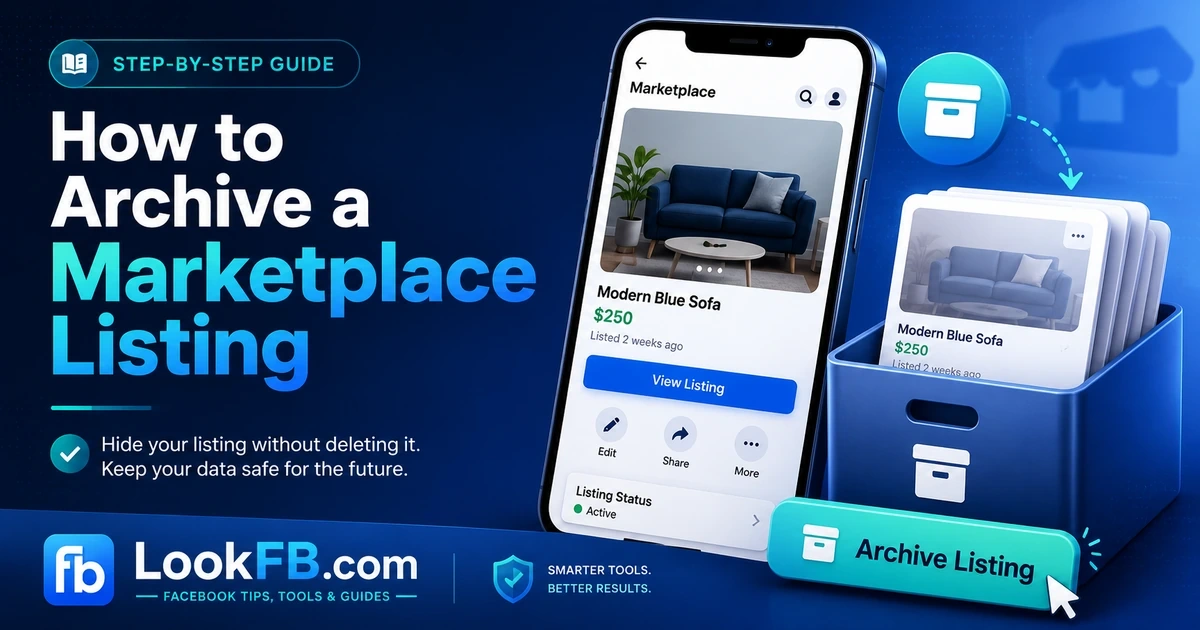
How to Archive a Facebook Marketplace Listing (2026 Guide)
How to archive, mark as sold, hide or delete a Facebook Marketplace listing on desktop, iPhone and Android — plus how to relist archived items in 2026.
In this article
- Archive vs Sold vs Hide vs Delete — which do you want?
- How to archive a Marketplace listing on iPhone / Android
- How to archive a Marketplace listing on desktop
- How to find your archived listings
- How to relist (renew) an archived listing
- Mark as Sold (when you actually sold the item)
- Delete a Marketplace listing (permanent)
- Hide a listing you're tired of seeing
- When Marketplace won't let you archive
- Bulk archiving tips
- What buyers see when you archive
- The bottom line
You sold your couch, or the item's sitting stale, or you just don't want it on Marketplace anymore. Archiving a Facebook Marketplace listing removes it from public view without deleting the details you'd need to relist it. Here's the full step-by-step for desktop, iPhone and Android, plus how archiving differs from Mark as Sold, Hide and Delete.
Archive vs Sold vs Hide vs Delete — which do you want?
| Action | What happens | Can you relist? |
|---|---|---|
| Archive | Disappears from Marketplace; stays in Your Listings | Yes — one tap |
| Mark as Sold | Shows "Sold" publicly; may still appear briefly | Yes — but re-lists as new |
| Hide from Feed | You stop seeing it in your Feed; still active for buyers | N/A |
| Delete | Permanently removed from Facebook | No |
Rule of thumb: archive if you might relist. Mark as Sold if you sold it. Delete only if you want it truly gone.
How to archive a Marketplace listing on iPhone / Android
- Open the Facebook app.
- Tap the Menu (three horizontal lines) then Marketplace.
- Tap the profile/account icon (top right) → Your Listings or Selling.
- Find the listing.
- Tap the three-dot menu on that listing.
- Tap Archive.
The listing disappears from Marketplace immediately. You'll find it later under Your Listings → Archived.
How to archive a Marketplace listing on desktop
- Go to facebook.com and click Marketplace in the left sidebar.
- Click your profile picture in Marketplace (top right of Marketplace, not Facebook).
- Click Your Listings.
- Find the listing you want to archive.
- Click the three-dot menu on the listing card.
- Click Archive Listing.
Same result as mobile — instant removal from public Marketplace.
How to find your archived listings
Mobile:
- Marketplace → account icon → Your Listings → tap the filter at the top → Archived.
Desktop:
- Marketplace → Your Listings → tab across to Archived.
Archived listings show all the original details (title, description, price, photos), so relisting is a one-tap action.
How to relist (renew) an archived listing
- Find the listing in Archived.
- Tap the three-dot menu → List Again (or Renew Listing if it's within 7 days).
- Edit price/photos/description if needed.
- Tap Post.
The relisted item shows as a fresh post to buyers — same effect as posting brand new.
Mark as Sold (when you actually sold the item)
Marking as Sold is different from archiving:
- Publicly displays "Sold" for a short period, which tells buyers the deal closed.
- Keeps the listing tied to your seller history (useful for your ratings).
How to Mark as Sold:
- Your Listings → find the item.
- Three-dot menu → Mark as Sold.
- Confirm.
Facebook will ask if you sold it on Marketplace or somewhere else — the answer only affects your public stats, not your account.
Delete a Marketplace listing (permanent)
Only delete if you're certain you don't want to relist:
Mobile / Desktop:
- Your Listings → three-dot menu → Delete.
- Confirm.
Deleted listings can't be recovered. Use Archive instead if there's any chance you'll repost.
Hide a listing you're tired of seeing
If it's someone else's listing bothering your Feed (not yours), you can hide it:
- Tap the three-dot menu on the listing → Hide Listing or Hide All from [Seller].
- This doesn't remove the listing from Marketplace — only from your view.
When Marketplace won't let you archive
"Archive" option missing from the menu Your listing might be in an unusual state (paused, awaiting review, shipped-and-in-transit). Wait for the flow to complete, then archive.
"Something went wrong — try again later" Facebook Marketplace has occasional outages. Try again in a few hours, or archive from a different device.
Listing keeps reappearing after archive Force-close and reopen the Facebook app. Cached views can lag behind the actual state.
Archived listing not showing under Archived tab Old browser/app cache. Log out and back in to refresh the listings view.
Bulk archiving tips
Facebook doesn't offer true bulk archive, but you can move fast:
- Sort Your Listings by Oldest First.
- Archive from the top down — three taps per listing.
- On desktop, you can keep the same modal open and archive several in a row without navigating away.
What buyers see when you archive
- The listing disappears from Marketplace search and your seller profile.
- Any active conversation with a buyer stays intact — Messenger threads don't disappear.
- If a buyer had bookmarked the item, they'll see "This listing isn't available."
The bottom line
- Archive = temporary hide — the safest option for anything you might relist.
- Mark as Sold = closed the deal — protects your seller history.
- Delete = permanent — no undo.
- Archive is one tap deeper than the three-dot menu on any listing, on any device.
- Relist with List Again from the Archived tab whenever you want it back live.
If you're archiving because Marketplace's audience isn't converting for you, our alternatives to Facebook Marketplace guide covers the 10 platforms most sellers move to next.
Frequently asked questions
how to archive a facebook marketplace listing
Open Facebook → Marketplace → tap your profile icon → Your Listings → tap the three-dot menu on the listing → choose Archive. The listing disappears from Marketplace but stays in your history, so you can relist or copy it later.
what does renew listing mean on facebook marketplace
Renew Listing bumps your Marketplace listing back to the top of local search, as if it were freshly posted. Facebook lets you renew once every 7 days — the closest thing to a free 'boost' for organic reach on old listings.
what does obo mean on facebook marketplace
OBO stands for 'or best offer.' The seller has set a price but is telling you they'll consider lower offers. A $200 OBO couch means the seller wants $200 but will listen if you offer $150.
does facebook marketplace charge fees
Local pickup on Facebook Marketplace is free (0% fees). Shipping through Marketplace charges 5% per order (minimum $0.40). Cash-in-person deals: no fees. Facebook Shop sellers pay separate commerce fees.
how to see hidden information on facebook marketplace
There is no legitimate way to reveal 'hidden' seller info like phone numbers or exact addresses. Any tool claiming to unlock them is a scam. Message the seller through Marketplace Messenger — that's the only supported way to reach them.
how do you see hidden information on facebook marketplace
You can't. Facebook deliberately hides sellers' personal details to protect them. Third-party apps claiming to reveal hidden info are scams that either steal your login or harvest your data. Use in-app messaging only.
is venmo safe for facebook marketplace
Venmo is safe between people who know each other, but Venmo Purchase Protection only covers transactions marked 'Goods & Services.' On Marketplace, always tag the payment as Goods & Services — a friends-and-family Venmo payment cannot be reversed if you're scammed.
what does pending mean on facebook marketplace
Pending means the seller has accepted an offer from another buyer and is holding the item for them. The listing is not yet sold — if the pending buyer no-shows, the listing usually returns to Available within a few days.
is zelle safe for facebook marketplace
Zelle is generally not recommended for Marketplace strangers. Zelle offers no purchase protection — once you send money, it's gone. Scammers specifically ask for Zelle because refunds are almost impossible. Use it only with people you personally know.
how to pay on facebook marketplace
For local pickup, cash on collection is safest. For shipped items, use Facebook Checkout or PayPal Goods & Services — both offer buyer protection. Avoid Zelle, Cash App friends-and-family, gift cards, and wire transfers with strangers.
Written by James Okafor, Social Commerce & Community Strategist